
Empowering Novice Security Analysts

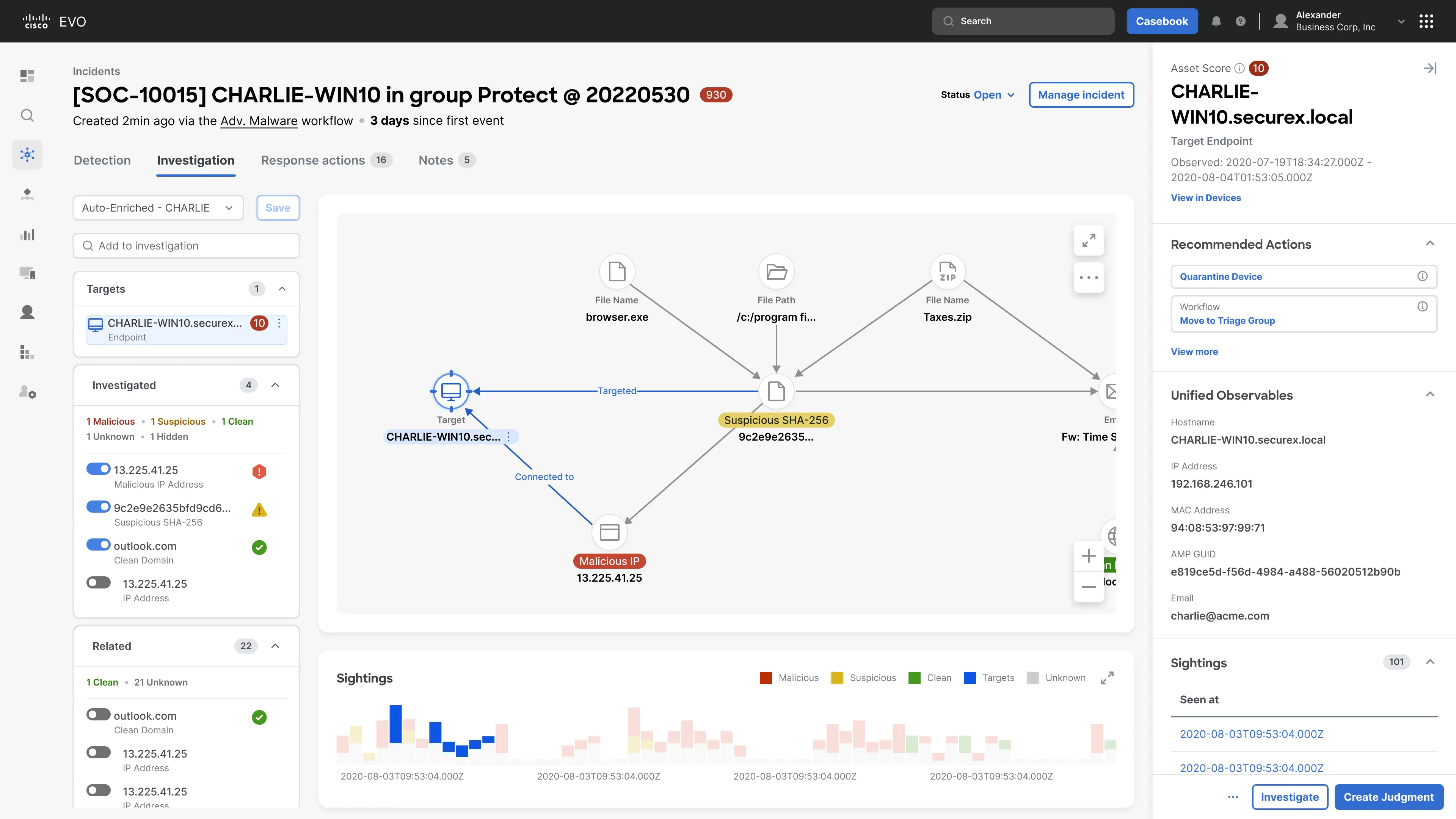
Turning complex incident data into clear next steps
Empowering Security Analysts to take defensive and remediation actions quickly, and confidently.

My role
- Role
- Product Design Lead · DesignMap
- Duration
- 4.5 months
- Status
- Designs substantially reflected in Cisco’s launched XDR product
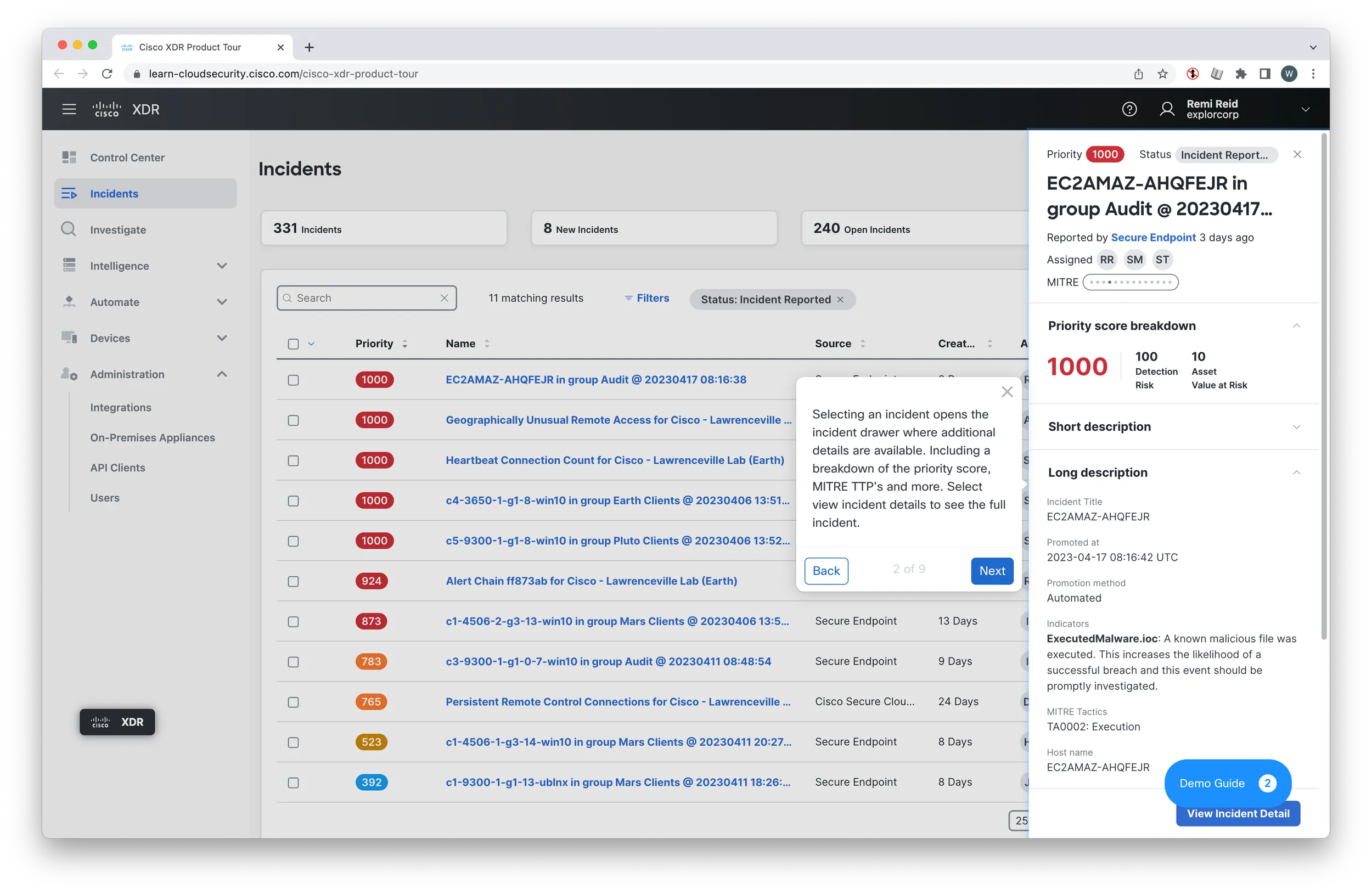
I co-led the design direction with another designer and managed a designer focused on UI. Within this collaborative effort, I owned the onboarding flow and the detection page—a central part of the incident response workflow—helping analysts understand what they were investigating and determine their next steps.
Overview
The security industry is woefully understaffed. Global cybersecurity job vacancies grew by 350 percent, from one million openings in 2013 to 3.5 million in 2021, according to Cybersecurity Ventures. 750,000 of those jobs are in the US (Statista).
Faced with a challenge like that, there are two options — train literally millions of people in the complex world of cyber security, or, multiply the impact that existing SOCs (Security Operation Centers) have. In reality, we need both, but Cisco was focused on the latter.
Specifically, Cisco wanted to use technology and design to empower novice Security Analysts to make more of an impact.
The project aimed to develop an extensible XDR (Extended Detection and Response) tool tailored to assist novice SOC (Security Operations Center) analysts in reducing their time to detection and response. By employing risk-based prioritization, the tool ensured analysts focused on critical incidents. Additionally, it provided the essential information necessary for analysts to respond confidently. Throughout the engagement, we established design patterns and principles specific to the SOC persona, which were translated into a user-validated prototype. This presentation encapsulates the design journey that culminated in the creation of the prototype and associated artifacts.
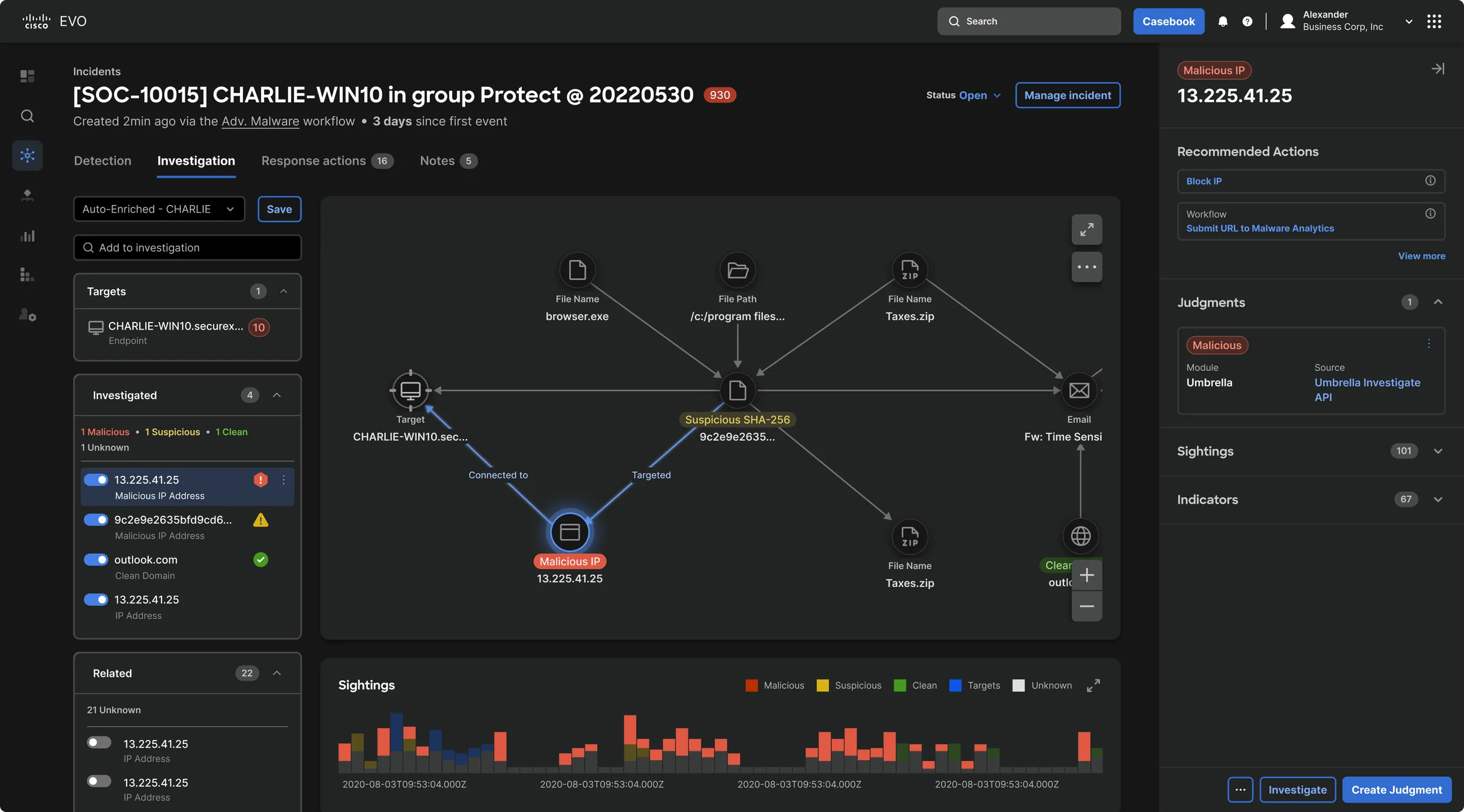
Project Outcomes
New Incident Response Experience
Elements of incident response have been reorganized and enhanced with new features. The result is a more streamlined and intuitive experience.
Task-Based Information Architecture
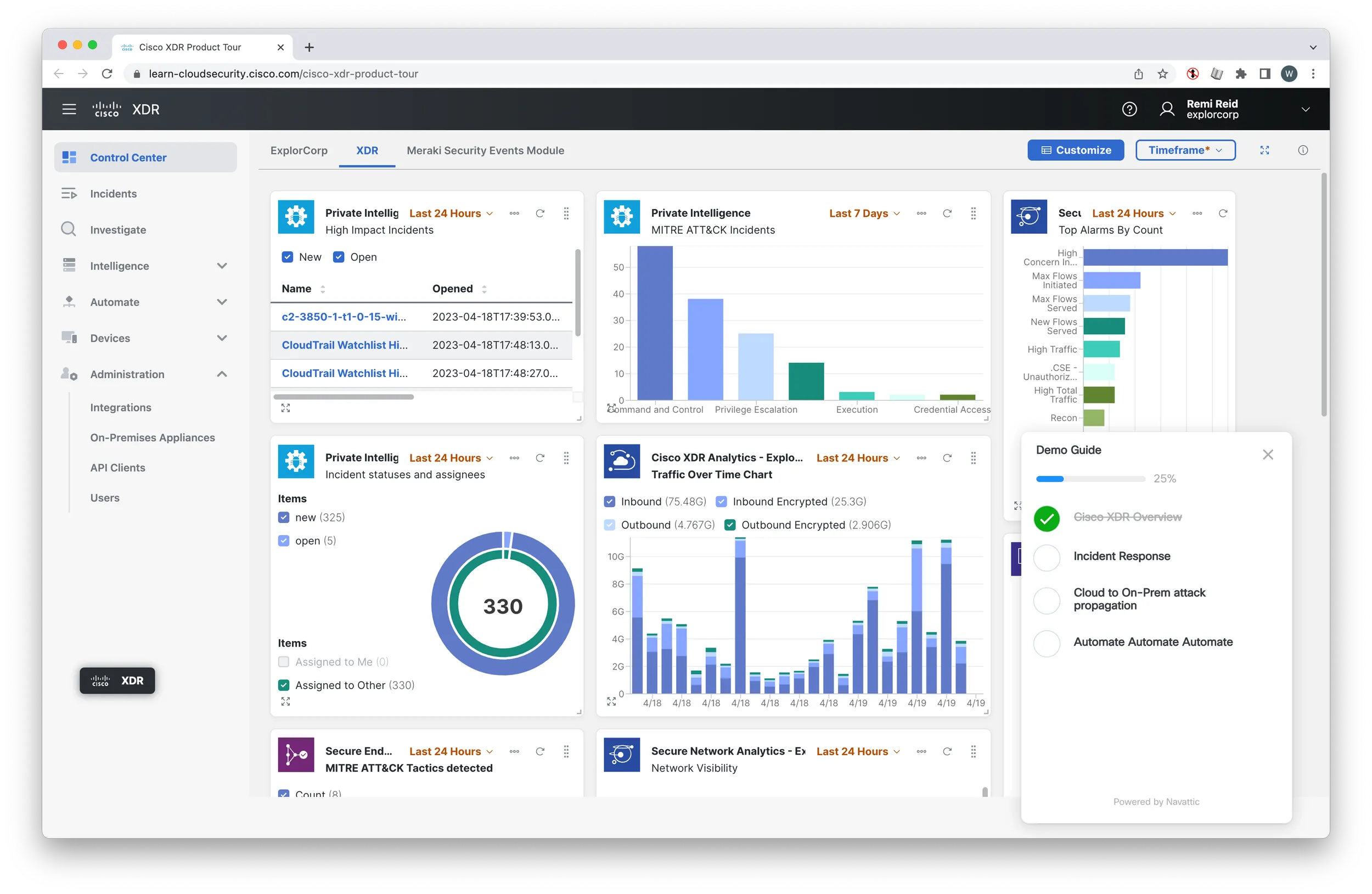
Access to product features and functionalities based on tasks users seek to accomplish.
Progressive Disclosure
Give users the option and affordance to dig deeper and get more detailed information.
Adaptive UI
Novice analysts benefit from contextual explanations while experienced users perceive such explanations as noise. Provide a means to adapt the UI for both user types.
Assistive
Users who are new to the product as well as new to their profession need a means of ramping up. Provide functionality for the users who need assistance.
Project Activities
- 01Stakeholder Interviews
- 02Landscape Research
- 03User Interviews (Cisco Users + non)
- 04Card Sort
- 05System Modeling
- 06Journey Map
- 07Concepting Workshop
- 08Concepting: IA + Navigation
- 09Concepting: Screens + Flows
- 10Storyboard + User Flows
- 11Concept Testing
- 12Hi-Fi Screen Development
- 13User Testing
- 14Iteration
Process
I am limited in the amount of design materials I can share due to an NDA, but below are a few snapshots meant to illuminate parts of our process.
I can share more detail in the context of an interview or portfolio review.
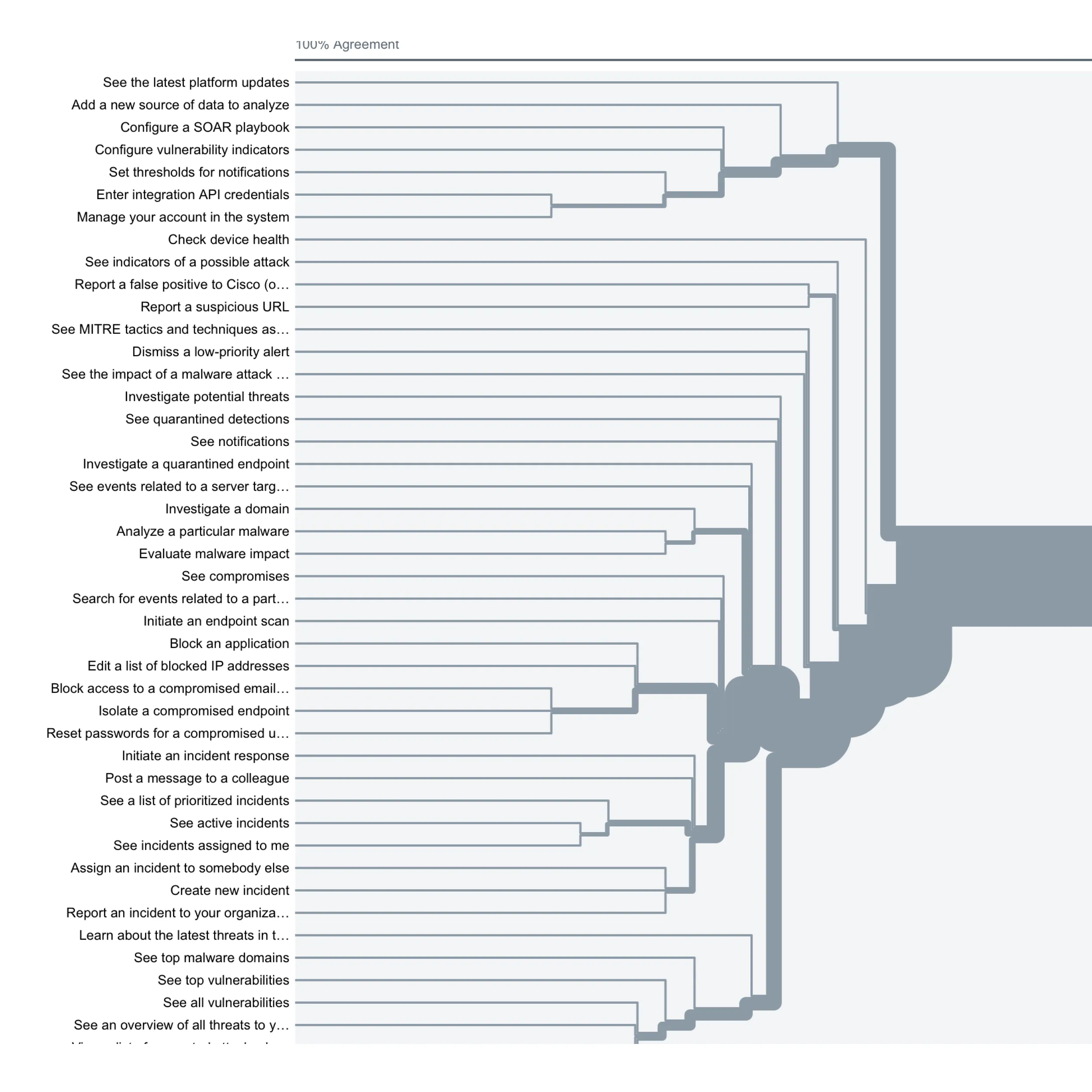
Card Sorting Results
The results of this card sorting activity showed that users had two primary models for organizing system objects. This informed how we ultimately designed the Information Architecture.
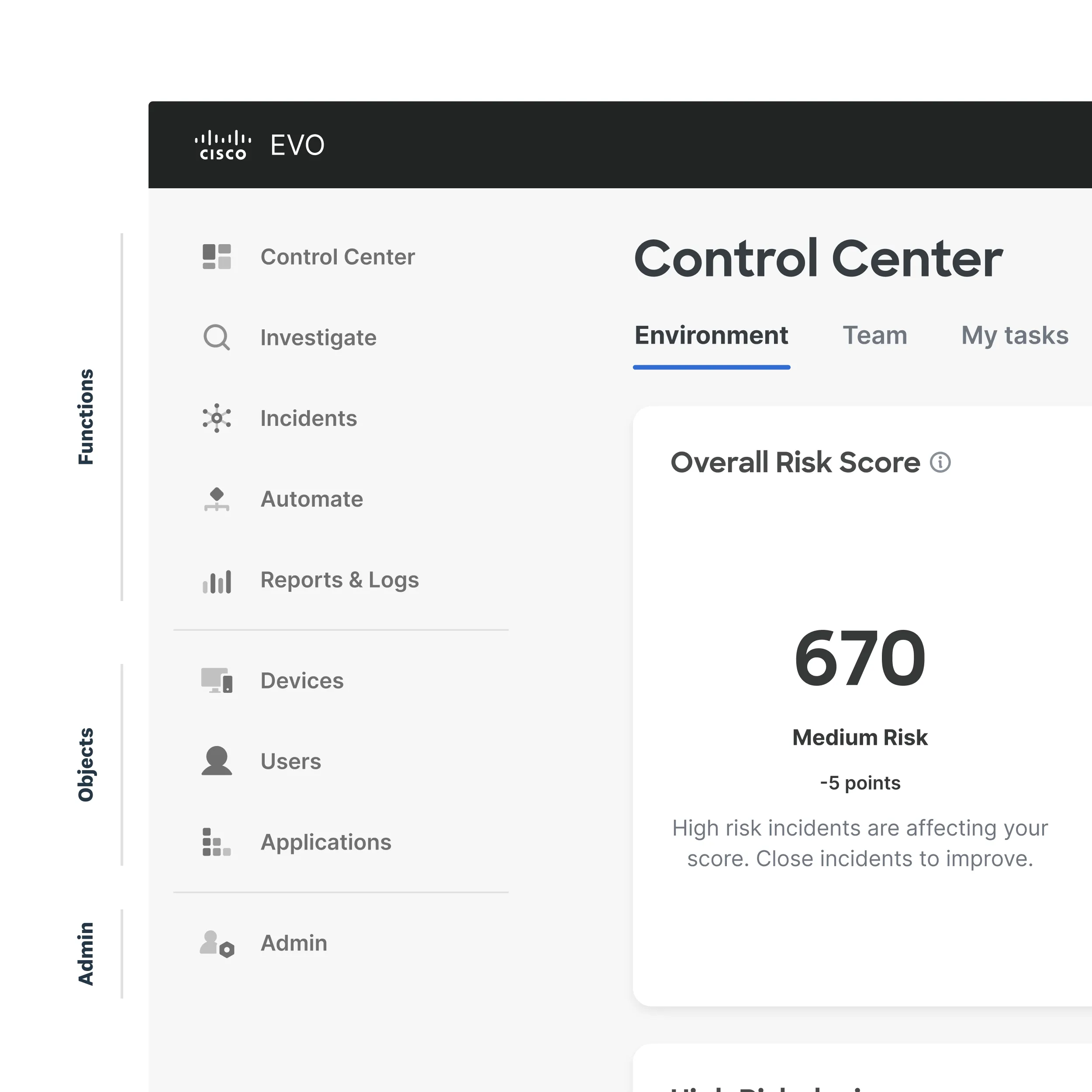
New Information Architecture
Our new information architecture had two primary modalities: Action oriented pages, and object oriented pages.
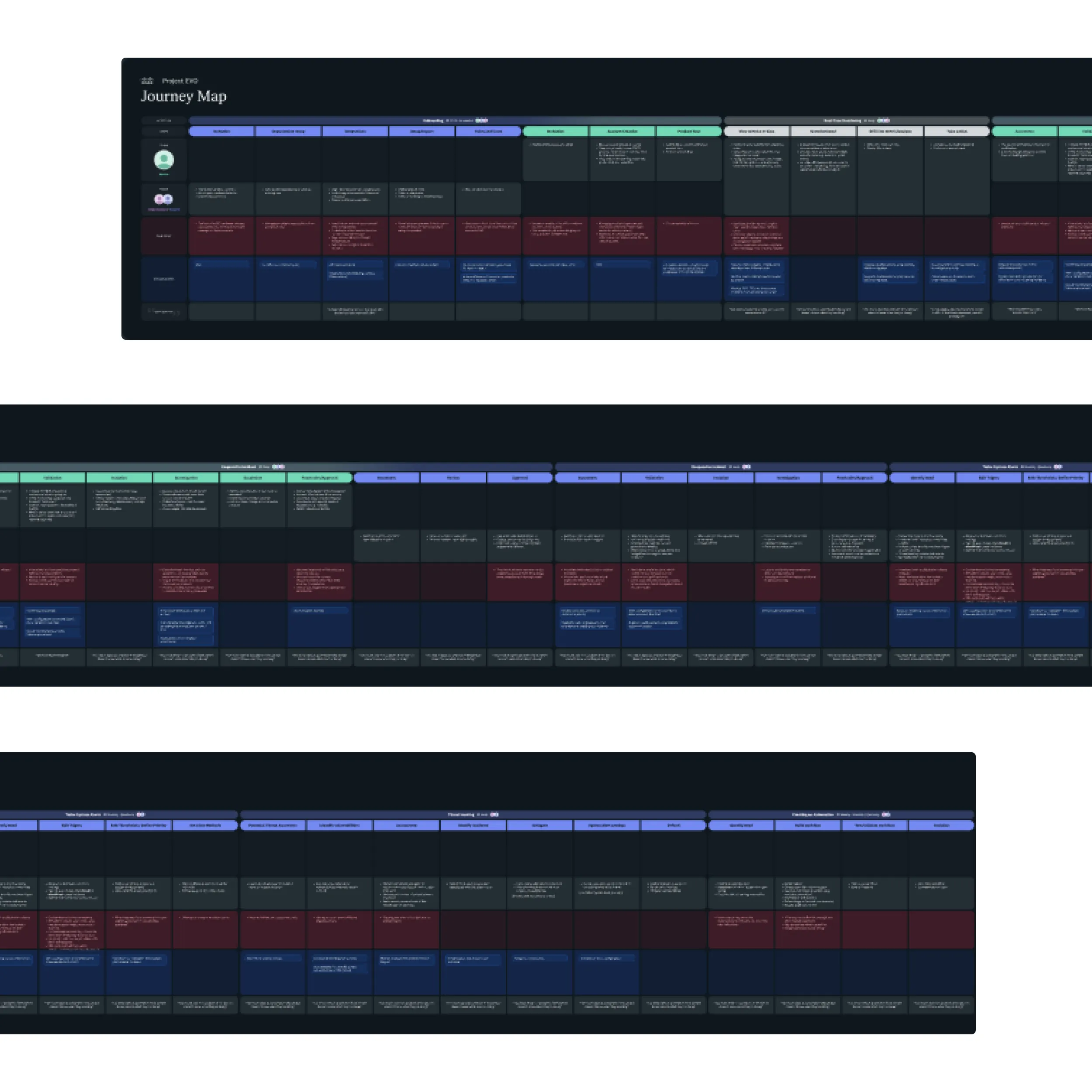
Journey Map
We consolidated all of our user research findings into a giant journey map that details the workflow of two primary users through the incident response workflow.
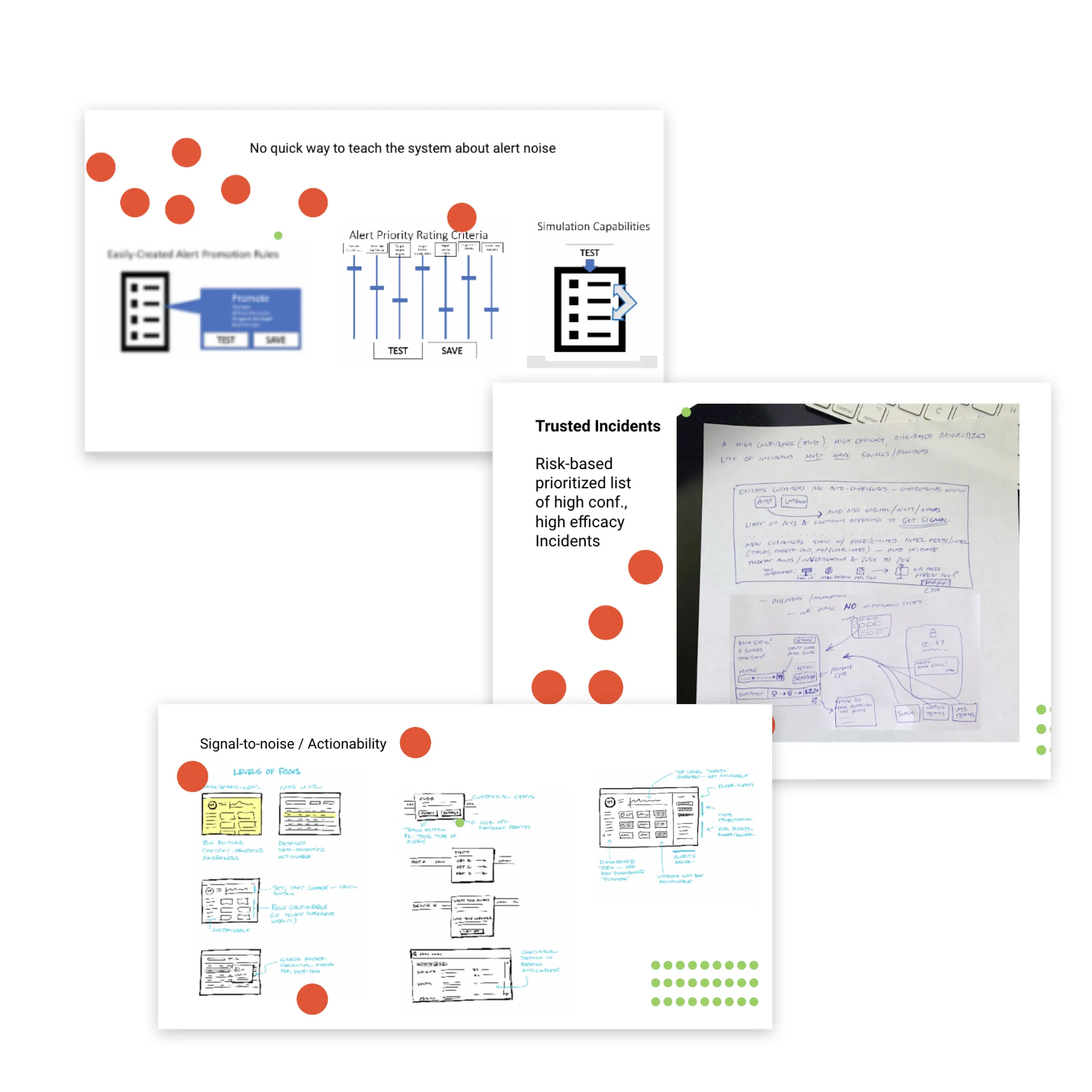
Concepting Workshop
We presented research results to a panel of SMEs, then led into a concepting workshop. The concepts were diverse and informed our next steps.
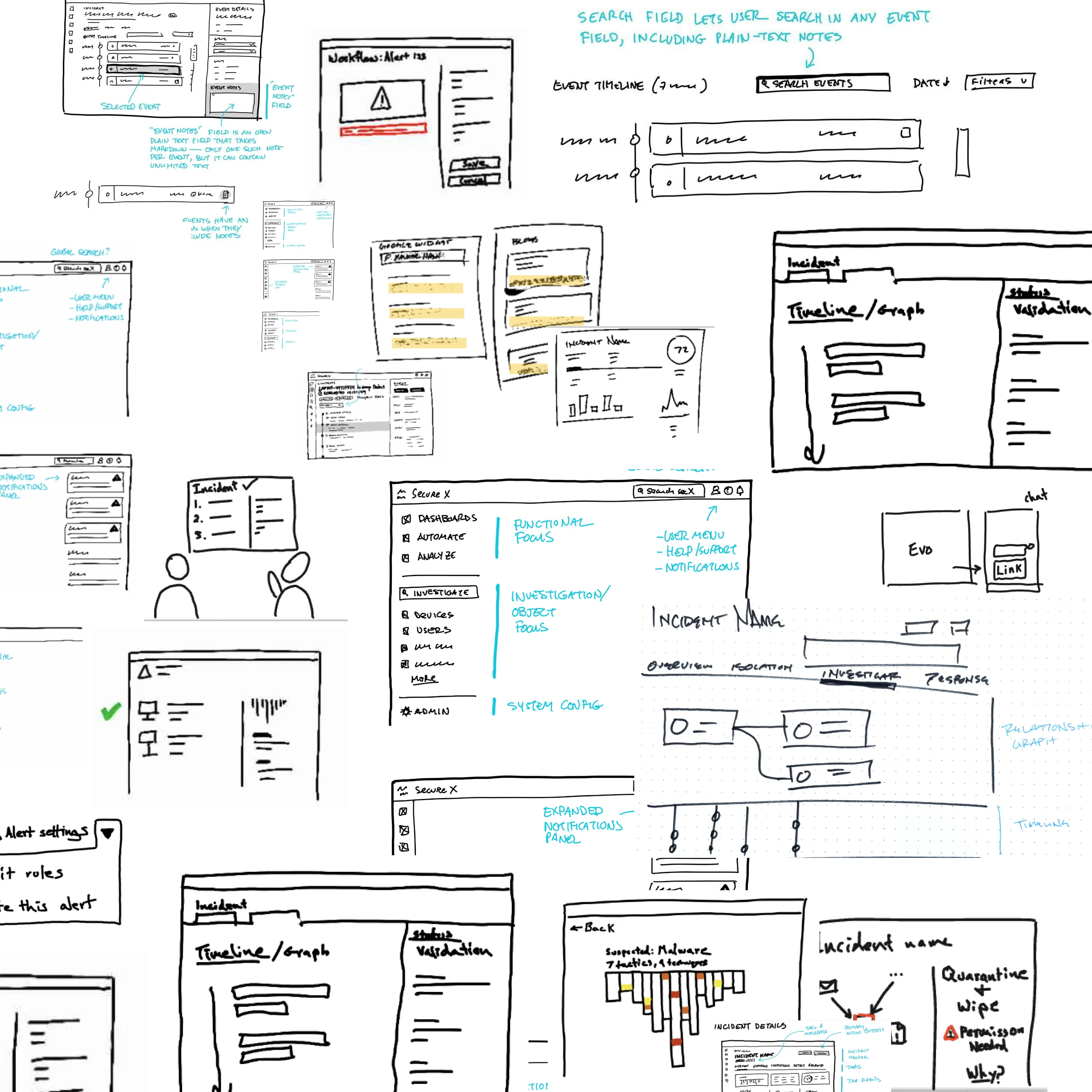
Concept Sketches
After workshopping concepts with an internal team of SMEs, we hit the whiteboard ourselves.
Launch
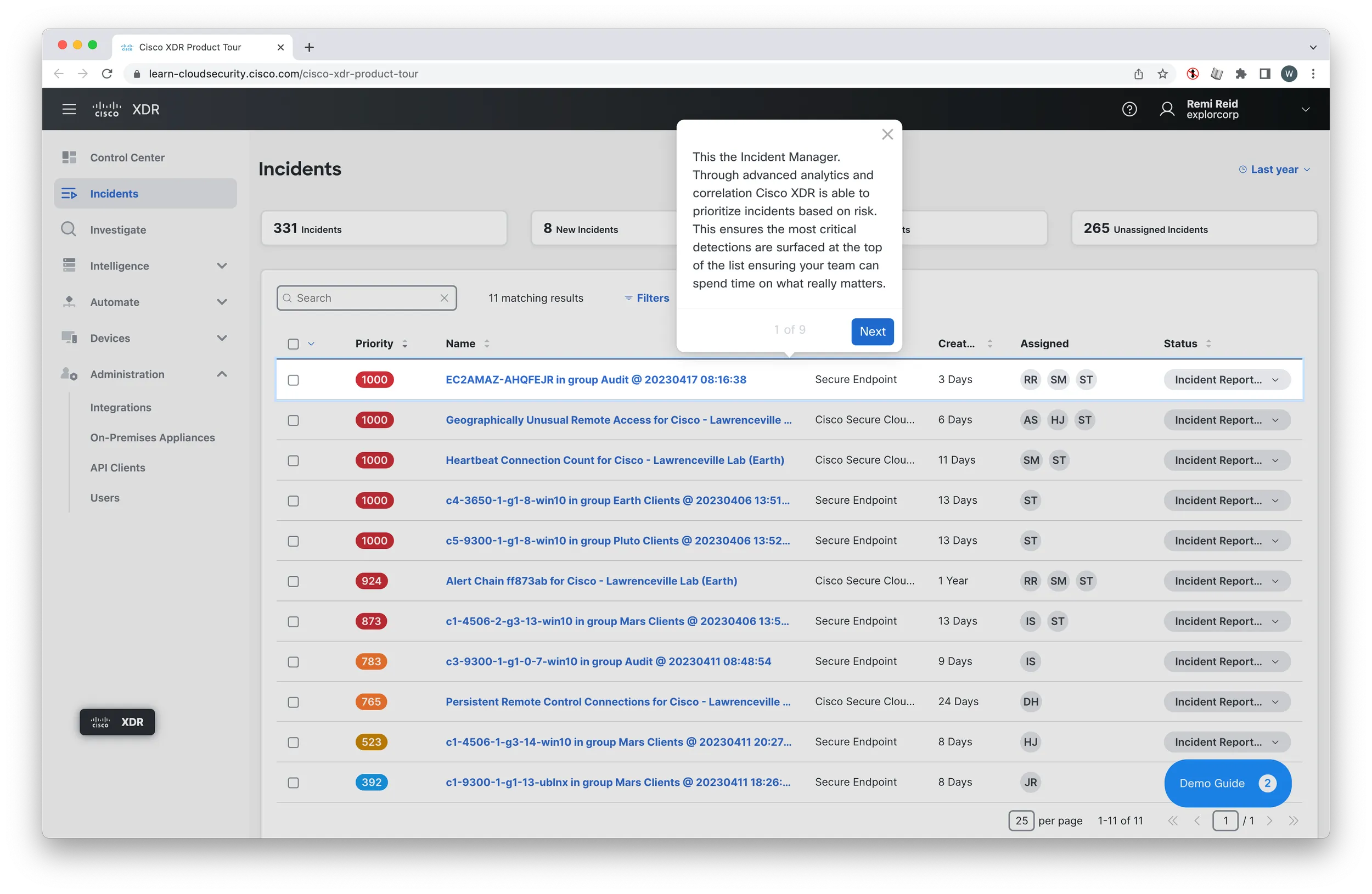
Slide 1 of 35